In short
- I can now speak a setlist and have the songs appended to a ProPresenter playlist, matching loosely-remembered titles against a 602-song library.
- It lost a song on the first run. The API returned 204 — success — while doing nothing at all. A failure that reports success is the hardest kind to find.
- With no documentation for the file format, I stopped guessing: I had a human change one slide in the app, then diffed that file against the original. Two guesses had already failed; the diff took one pass.
The worship setlist arrives Saturday night. Adding those songs to a ProPresenter playlist is trivial work that eats time anyway: you have to remember titles exactly, and in a 602-song library you end up fighting the search box.
So I made it so saying the titles is enough. In the process I lost a song, and ended up building song files from scratch. In order.
Act one: speaking the setlist
Say the titles, and the songs get appended to the playlist. The catch is that the title you say and the title in the library are rarely identical.
Our library has songs stored with a grammatical particle changed, or with the last character of the title cut off — the kind of thing a human reads straight past and an exact-match search never finds. English libraries have exactly the same problem: you say “Oceans,” the file is “Oceans (Where Feet May Fail),” and you say “How Great” for something filed under “How Great Is Our God.”
So the tool doesn’t search for an exact match. It scans all 602 titles and picks the closest one.
Because this touches service material, I gave the tool five rules:
- Back up the original before applying anything
- Show a preview — what goes where, decided before it happens
- Apply
- Read it back and compare the order — did the intended state actually happen?
- Roll back automatically if it differs
Steps 4 and 5 made me feel safe. That was the mistake.
Act two: a song disappeared
On the first real run, one song vanished from the playlist — the second entry of a song that appeared twice.
And then something worse: the automatic rollback failed to roll back.
The undo path rewrote the playlist the same way the original operation did. Since the flaw was in that method, the recovery reproduced it. The safety net copied the mistake.
The cause: collapsing two different numbers into one
ProPresenter has two kinds of identifier here: an entry’s position inside the playlist, and the song’s own id. They are not the same thing.
Partway through, I hit a different error and worked around it by using the song id as the entry index. For most playlists this is harmless. But in a playlist where the same song appears twice, both entries end up with the same number — and the two collapse into one. That is where the song went.
The experiment: the API cannot hold the same song twice
Rather than assume, I built a separate test playlist and checked. Never experimenting on a real service playlist became rule number one.
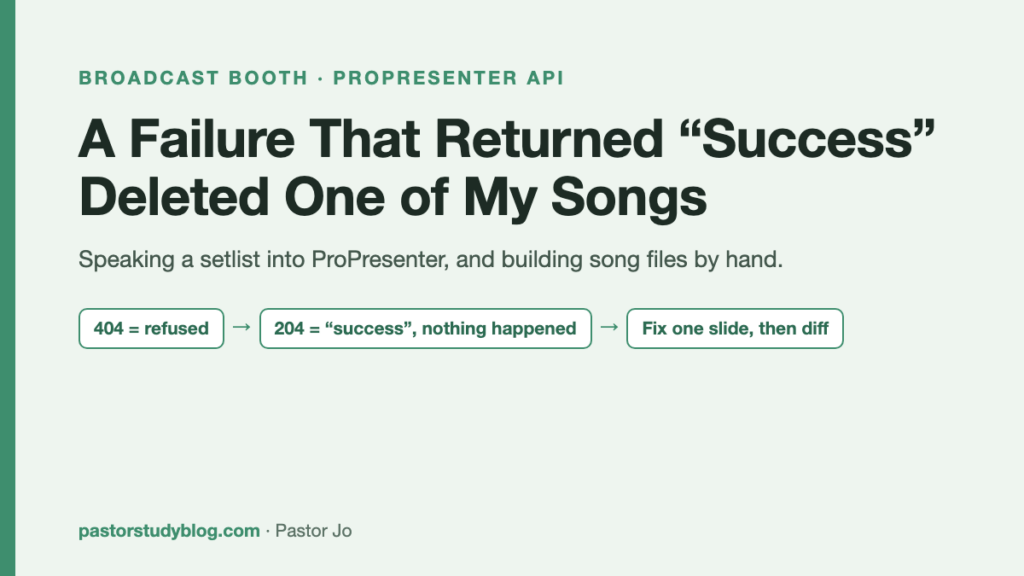
What I confirmed: ProPresenter’s API will not put the same song into one playlist twice. But it refuses in two different ways.
- Insert with the same number →
204. A success response, and nothing happens. - Insert with a new number →
404. A clean refusal.
404 is fine. Being told no is actionable. 204 is the dangerous one: the tool believes it succeeded and moves on. Even my verification step passes, because the request really did succeed — it just didn’t do anything.
A failure that raises no error is the hardest kind to find. This is the same species as my last post about the camera bridge, where it logged “waiting to reconnect” and never tried. That time the log lied to me. This time the API did.
What changed
- When the tool detects a duplicate it stops and says why instead of sliding past. A success response is no longer treated as success.
- Experiments happen only in a test playlist.
- The missing song was restored to its place.
Act three: duplicates become copies — “one and two”
But playing the same song twice is a real need; the opening song often returns at the end. If the API can’t express that, something else has to.
First I checked whether the API had another route. I went through all 40 write operations — there is no way to create or duplicate a song. ProPresenter’s API stops at manipulating songs that already exist.
So I went to the song files themselves.
I started by watching what ProPresenter does when it duplicates a song. It doesn’t only change the song id; it regenerates nearly every identifier inside the file (exactly one overlapped with the original). So I did the same: every internal identifier is 36 characters, and I replaced them all with new identifiers of the same length. Same length means the file’s structure survives.
I dropped the copy into the library folder, and ProPresenter recognized it as a new song within 30 seconds, with no restart. Original and copy then sat in one playlist together.
The operating convention:
- The setlist is spoken as “number one, number two” (a convention I have not yet tried with the worship team)
- Number one is the original; copies are “Song 2,” “Song 3”
- Reuse an existing copy; only create one if none exists — otherwise the library fills up with duplicates
Act four: building a song from ten video clips
At this point, building a song from scratch is just the same capability. And I had a use waiting: sermon slides I’d failed to finish the day before — ten short mp4 clips, 3.6 seconds of animation each.
How it went:
I parsed the file format directly, without any third-party library. Before trusting anything, I checked the round trip: parse a real file, reassemble it, and confirm the result is byte-for-byte identical to the original. If that fails, nothing you build afterward is trustworthy.
Then I used an existing song’s photo slide as a template and assembled ten video slides.
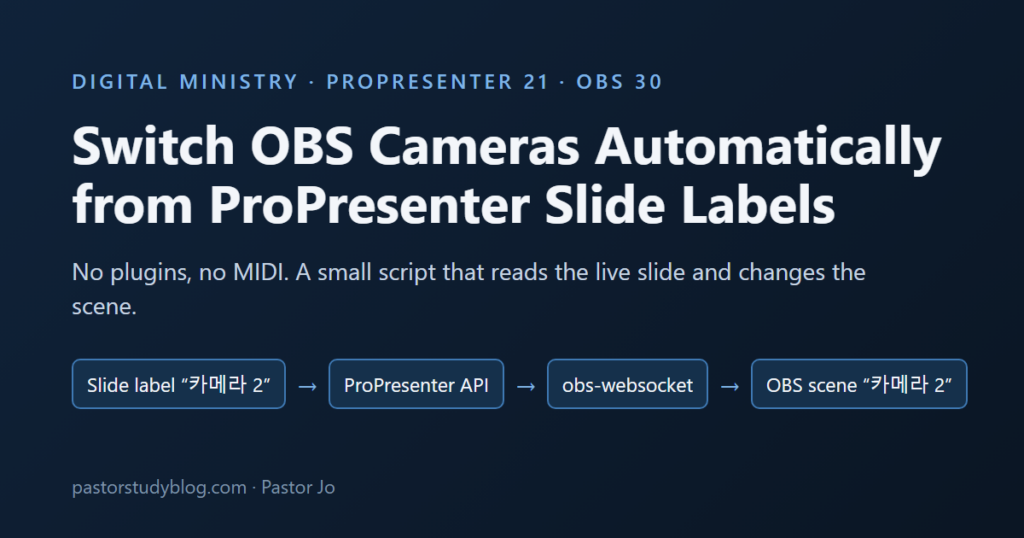
Here is where the series connects: I stripped the camera-name labels. The bridge I built earlier switches cameras whenever a slide label matches an OBS scene name. Leave a camera label on a new song and the camera changes by itself during the sermon. Removing them belongs in the build step.
The problem: the videos looped
The new song played. But each clip restarted from the beginning when it ended. Sermon slides that loop forever are unusable.
I guessed twice. v1, v2. Both wrong. With no documentation for where the loop setting lives in the file, I was poking at plausible places.
The fix: have a human change one slide, then diff it
For the third attempt I changed method entirely.
A human opened ProPresenter and changed exactly one slide — action edit → playback mode → stop — and saved. Then I took the file ProPresenter had written.
Now there was an answer key. Diffing the changed slide against the untouched ones, exactly one value differed: a single loop flag inside the playback settings. I rebuilt all ten slides in that shape, and v3 worked perfectly in testing. Confirmed at 14:03. I have not yet run it in a live service.
One answer key beat two guesses, and it was faster.
What I took away
The failure that raises no error is the dangerous one. 404 is a kind response — you know you were refused. 204 is the problem: it reports success and does nothing. Verification that only asks “did the request succeed” will never catch it. Check that the intended state exists, not that the call returned.
A recovery path that shares the broken method breaks with it. I had automatic rollback and felt covered. The rollback rewrote the playlist using the very method that caused the loss. Undo has to travel a different road than the failure.
When there is no documentation, make a human do it once and diff. The fastest route through an undocumented file format is not inference. Have the application change one thing through its own UI, then compare. A human’s single edit is the most accurate specification you will get.
Round-trip test before you build. Parse and reassemble until the output is byte-identical to the input. Only then is anything you generate believable.
Look for places your automations collide. A camera label left in a new song makes the camera bridge fire during a sermon. Once you have more than one automation, building one means checking what the others are watching.
Keep the square that needs human approval. The step that actually modifies service material still has a human looking at a preview and deciding. That one pause is part of why the lost song was recoverable.
Still to do
- The videos are currently read straight from cloud storage → copy them to the booth PC’s media folder before Sunday
- Use the new video song in a real service and confirm it does not loop there either
- PowerPoint → ProPresenter conversion — the same assembly approach should work; not started